Chipset drivers, explained without the jargon
The least glamorous driver on your machine coordinates storage, USB and power. Here is when it matters and how to install it in the right order.
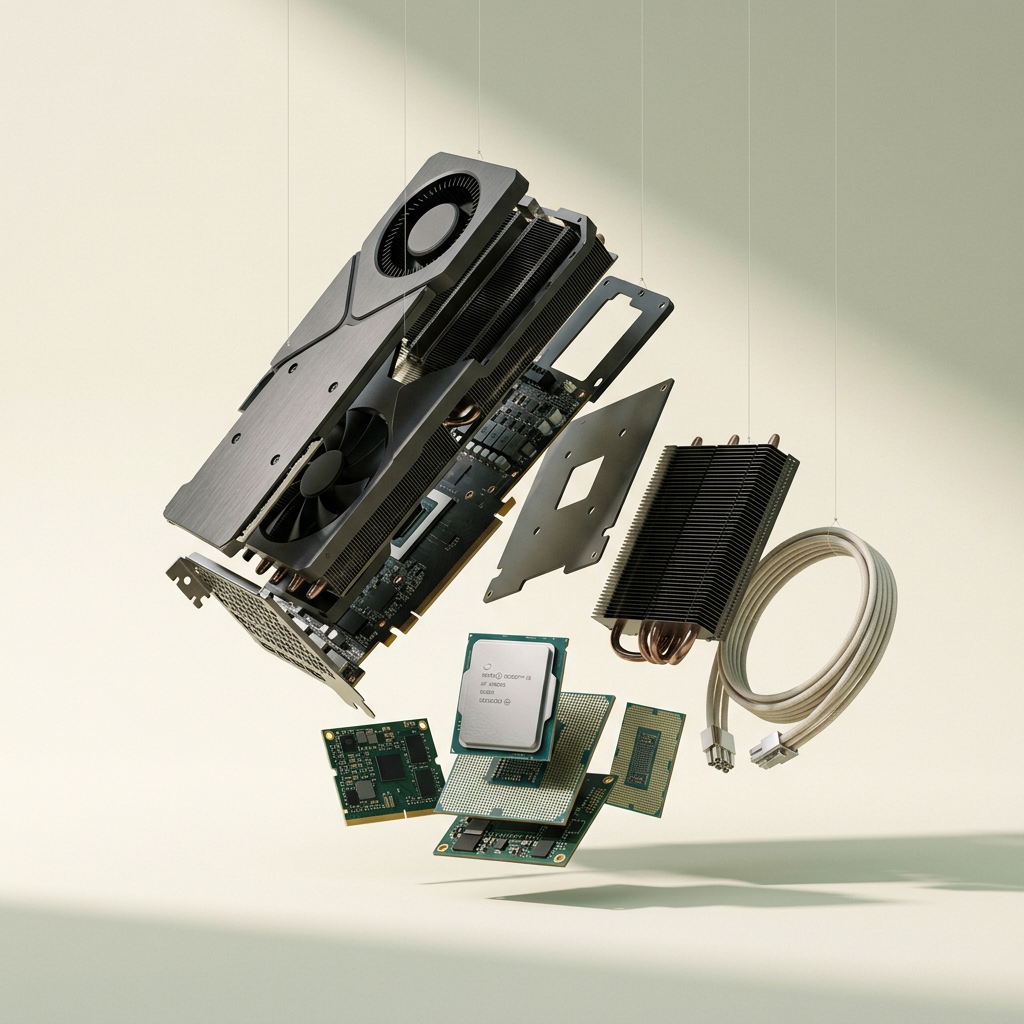
01The motherboard’s traffic controller
The chipset is the set of controllers on your motherboard that routes data between the processor, storage, USB ports and expansion slots. Its driver package mostly teaches the operating system the correct names and power behaviours for those controllers.
02Symptoms of a missing chipset package
Unusual sleep and wake problems, USB ports that disconnect under load, or several “PCI device” or “SM Bus Controller” entries with warning icons often point to a missing chipset package, especially after a fresh install.
03Where to get it
For a laptop or prebuilt desktop, use the computer maker’s support page for your exact model; it may include tuned power settings. For a self-built PC, use the motherboard maker’s page. Avoid random mirror sites.
04Install order
After a clean install, install the chipset driver first, restart, then graphics, then audio and network. Everything else depends on the bus the chipset describes.
Safe steps
- Find your exact model: run msinfo32 and read System Model and BaseBoard Product.
- Visit the official support page for that model.
- Download the chipset package and create a restore point.
- Install, restart, and confirm the warning entries in Device Manager are gone.
Before you start: create a restore point and back up anything you cannot replace. If a step makes things worse, roll it back.