What a driver actually does
A plain-language tour of the small translator programs that let your operating system speak to every piece of hardware inside and around your computer.
Issue No. 18 · The hardware field guide
DriverAtlas is an independent, plainly written guide to the parts inside your computer, the small programs that run them, and the safe way to change either.
Popular: no sound Wi-Fi drops restore points USB
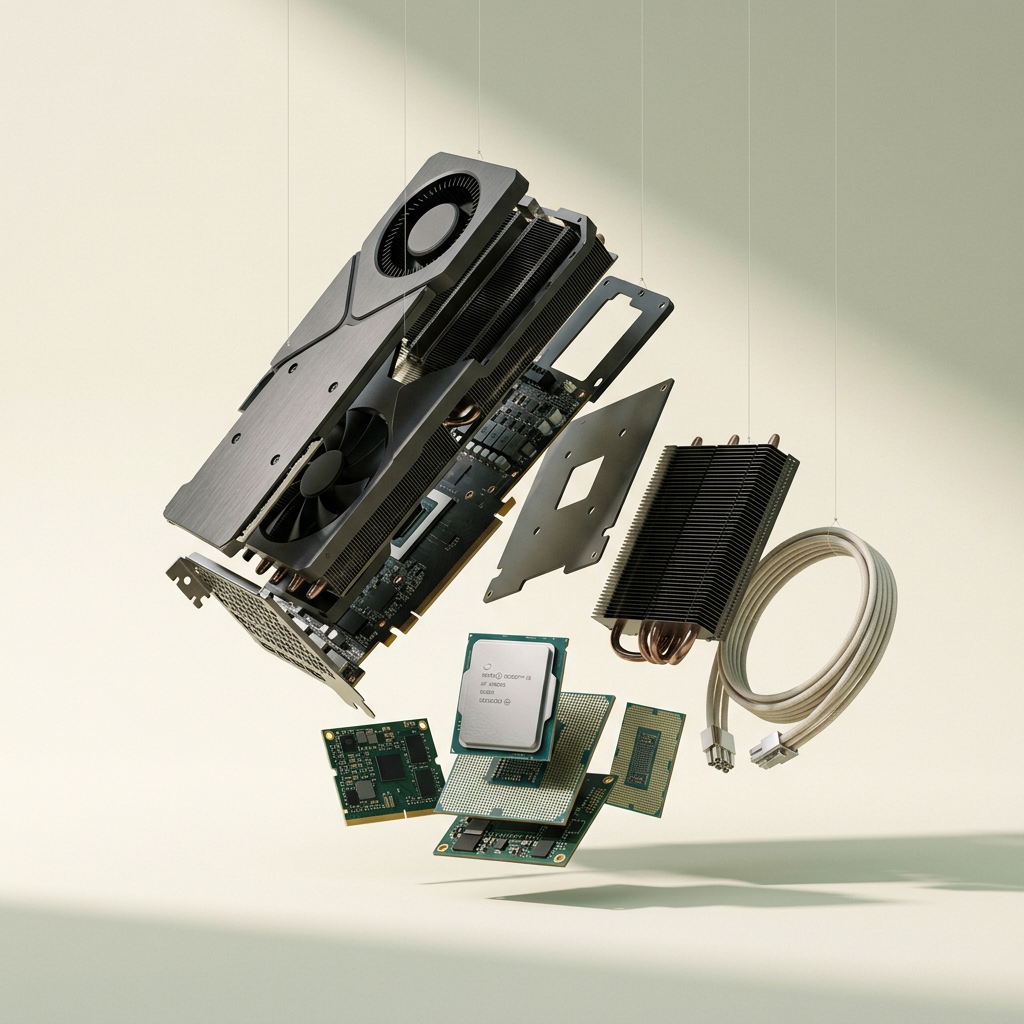
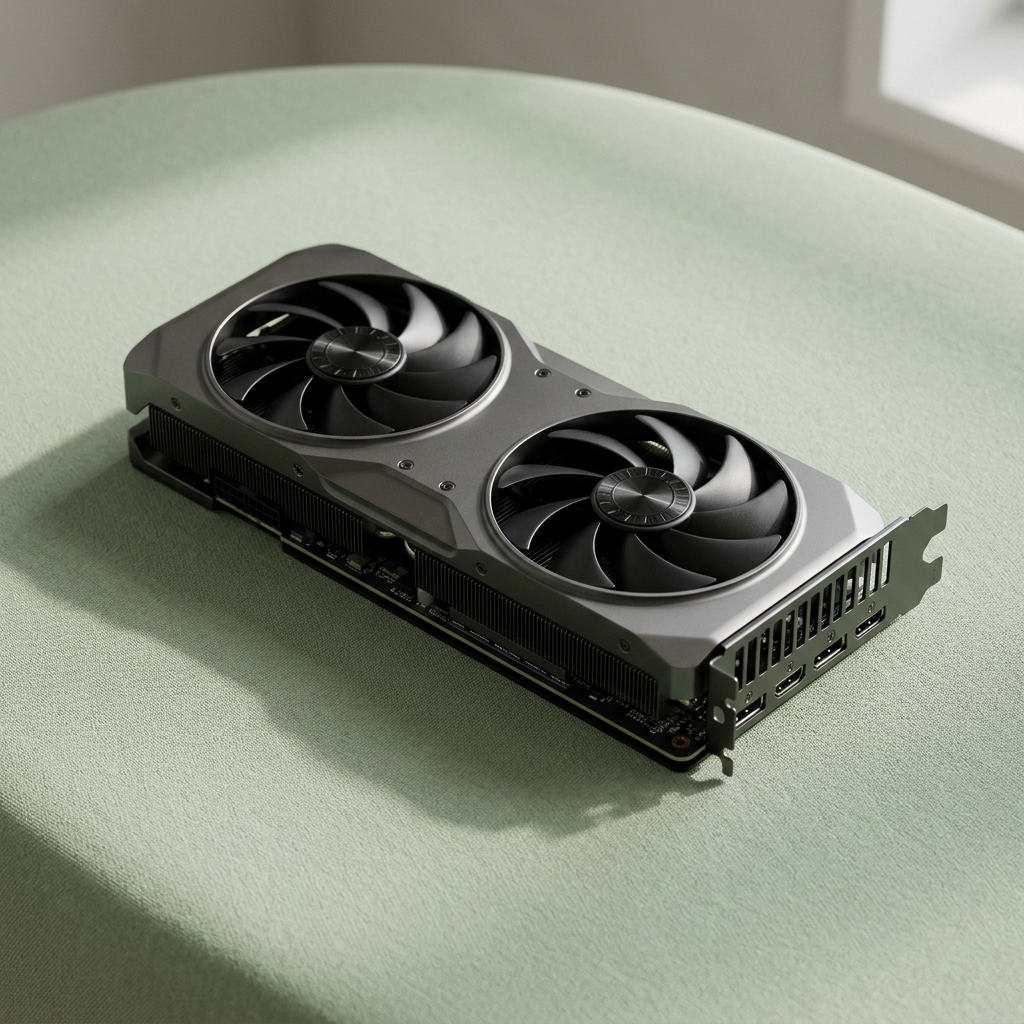
Cover story · Graphics
Stutter, black screens or crashes after an update? A clean reinstall of the display driver fixes more problems than any setting tweak.
The atlas
Start here
A plain-language tour of the small translator programs that let your operating system speak to every piece of hardware inside and around your computer.
Before reinstalling anything, check the four places Windows silently changes your audio after updates.
Separate the router from the adapter, then work through power saving, band choice and driver version.
Network printers change addresses, queues jam and default printers shift. A methodical fix that avoids reinstalling everything.
The DriverAtlas method
Boring is the goal. Every guide on this site follows the same order of operations.
From the glossary
Save any guide with the bookmark button. Your list lives only in this browser — no account needed.