USB drivers: built-in support and device-specific packages
Find out whether a USB fault concerns the controller, the connected device or its physical connection.
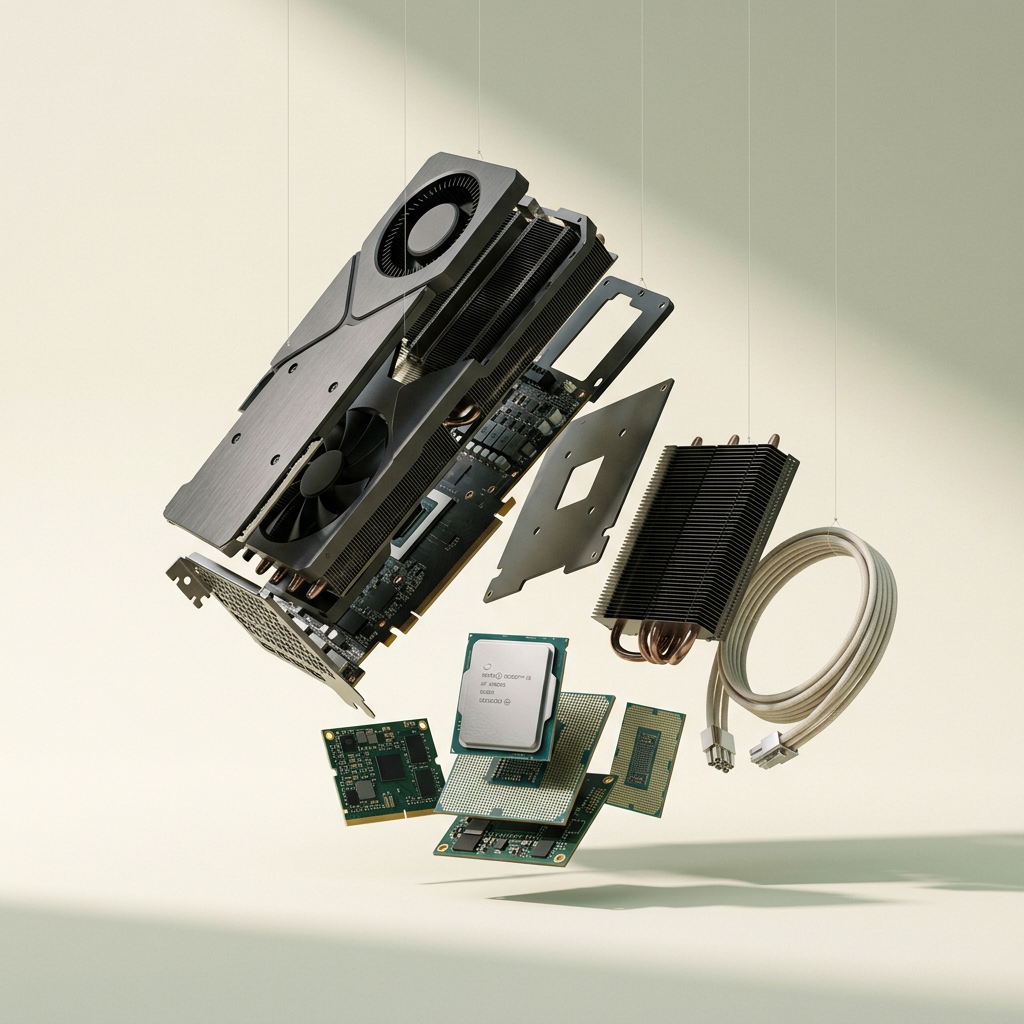
01USB involves more than one component
Windows includes support for USB controllers and many standard device classes. A specialist USB device may additionally need its own manufacturer package. A download labeled generic USB driver is not a universal replacement for every webcam, printer, audio interface or storage device.
02Inspect where detection stops
Check whether the device appears when connected directly to the computer instead of a hub. Try a known-good data-capable cable and a supported port. Device Manager can show a controller fault, an unknown device or a device-specific status code, each of which points to a different investigation.
03Install only the relevant package
Use the peripheral maker’s instructions for its device software and the computer maker’s guidance for platform support. A USB-C dock can have display, network and audio functions with separate requirements. Do not remove all host controllers to troubleshoot one peripheral.
Steps to follow
- Test a direct connection and known-good data cable.
- Read the exact device or controller status in Device Manager.
- Check official device software and platform support requirements.
- Install the relevant package and retest that device.
Before installing, complete the driver update checklist. Record the existing version and keep a supported recovery package.
Important precautions
Do not disconnect storage during writes or remove every USB controller when your keyboard and mouse depend on them.
Official support and further reading
These links lead to publisher support pages, not to files hosted by daanch.